
Depending on your Linux distribution, you can install ntop packages using your platform packager (apt on Debian/Ubuntu and yum/dnf on RedHat/RockyLinux). Some users asked us a simplified installation tool, for networkers not acquainted with packages and installers.
For this reason we have created a new tool named ntop-installer that allows ntop packages to be installer/removed using a text-based GUI rather than using apt/dnf. This new tool can be installed as follows:
- Debian/Ubuntu (part of the apt-ntop/apt-ntop-stable packages)
- wget https://packages.ntop.org//apt/24.04/all/apt-ntop.deb
- apt install ./apt-ntop.deb
- RedHat/Rocky/AlmaLinux (part of the ntop-installer package)
- curl https://packages.ntop.org//centos/ntop.repo > /etc/yum.repos.d/ntop.repo
- dnf install -y ntop-installer
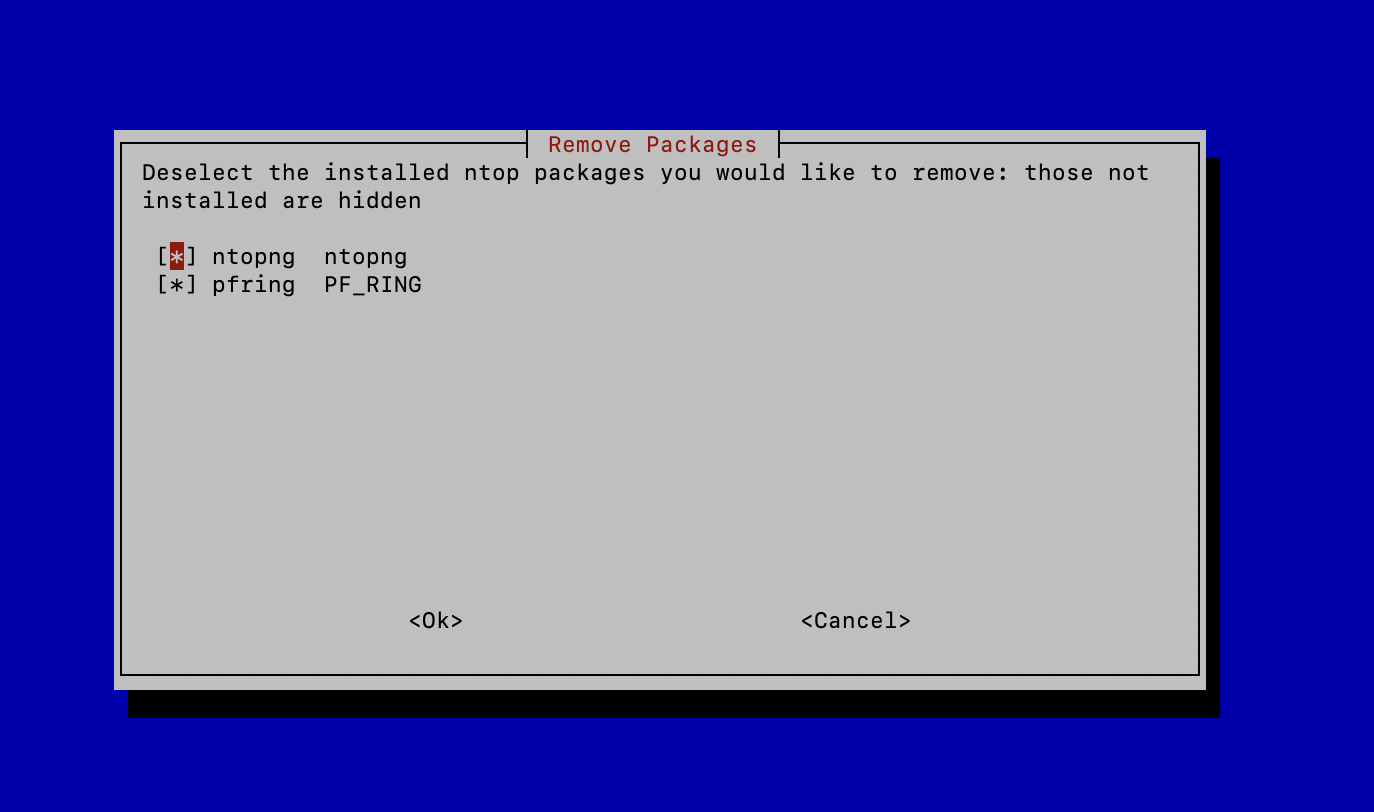
One that you just need to start ntop-installer and install/remove packages graphically. Below you can find some examples of how the tool works.
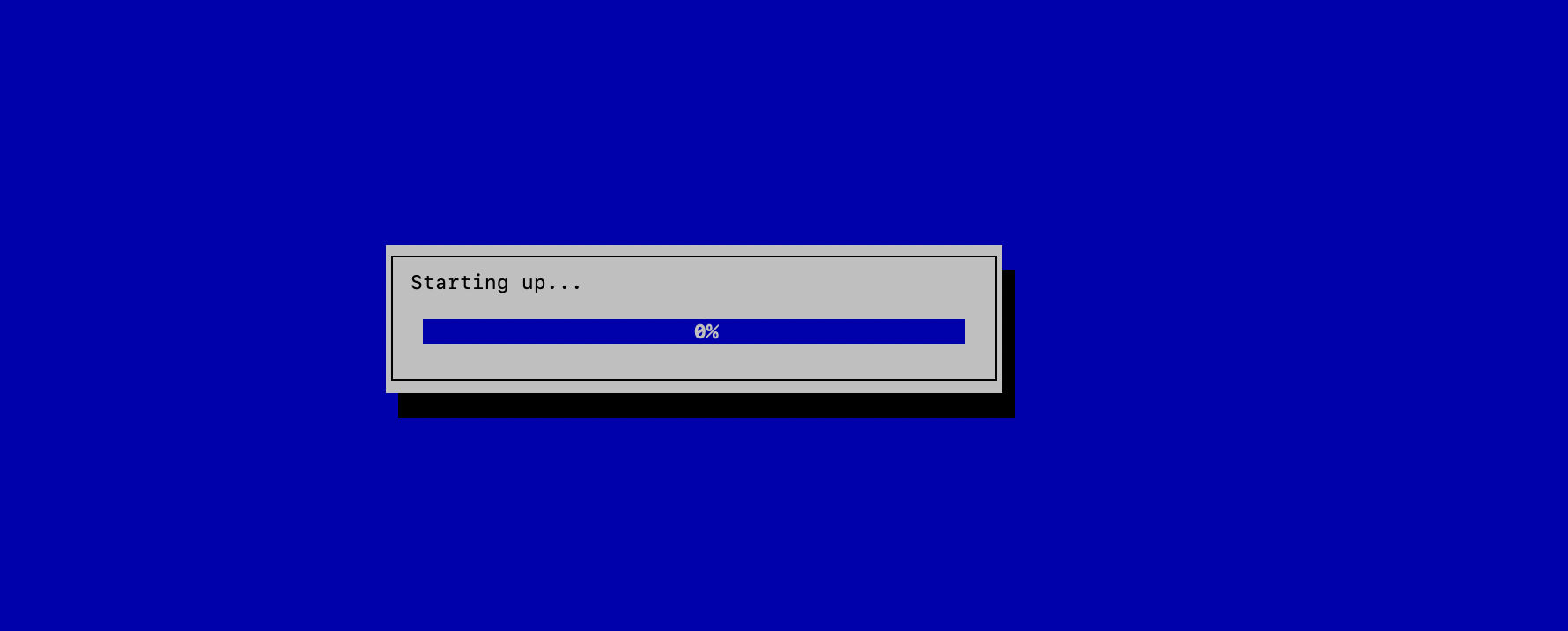
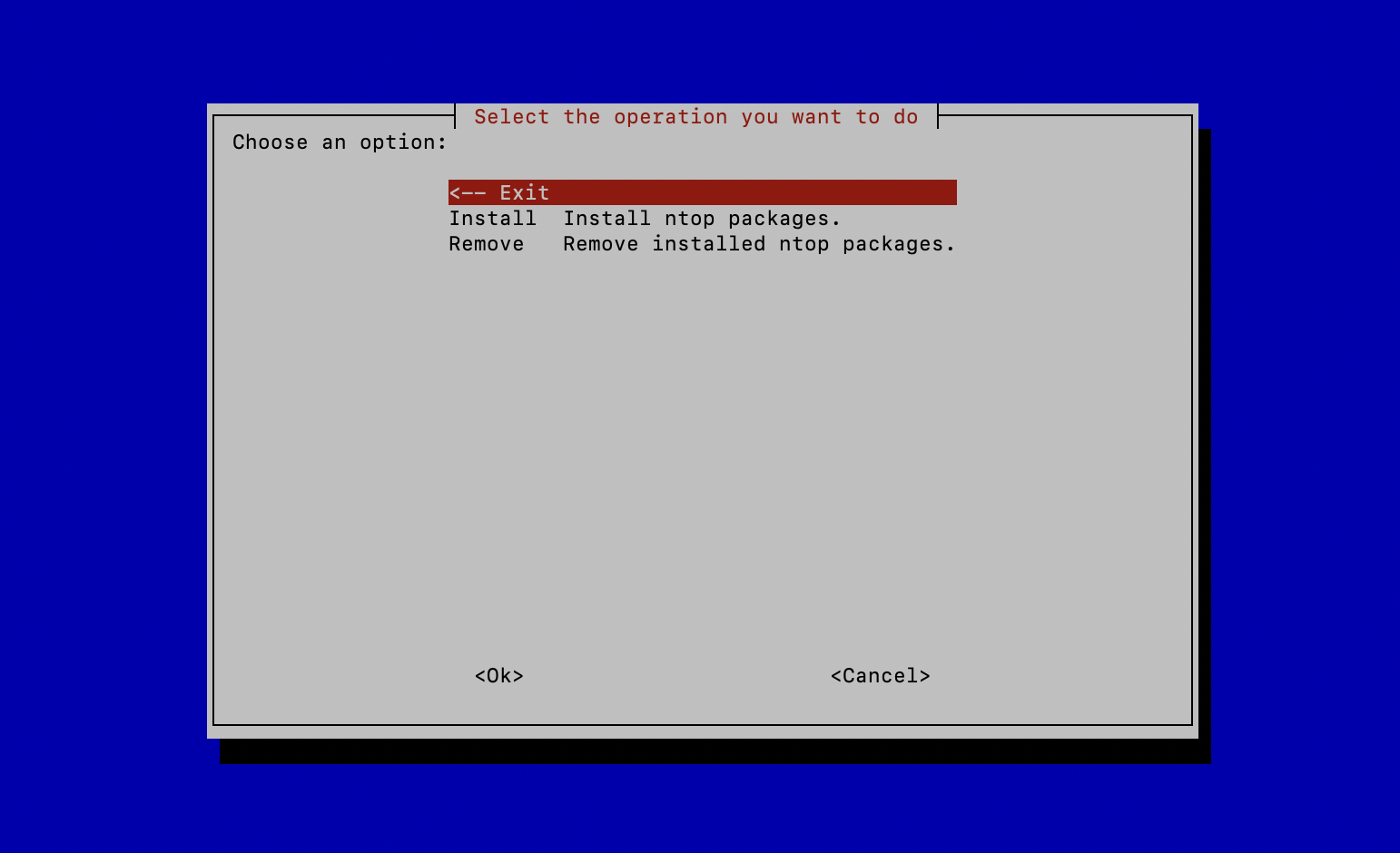
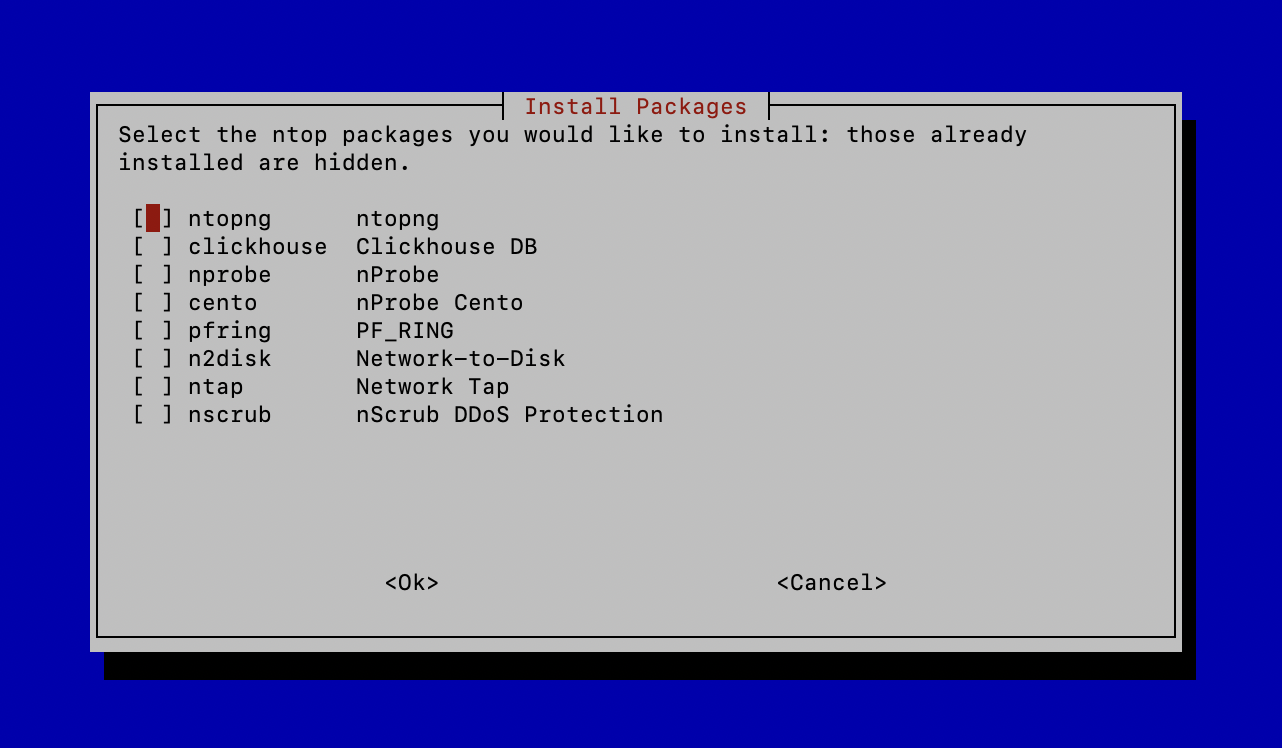
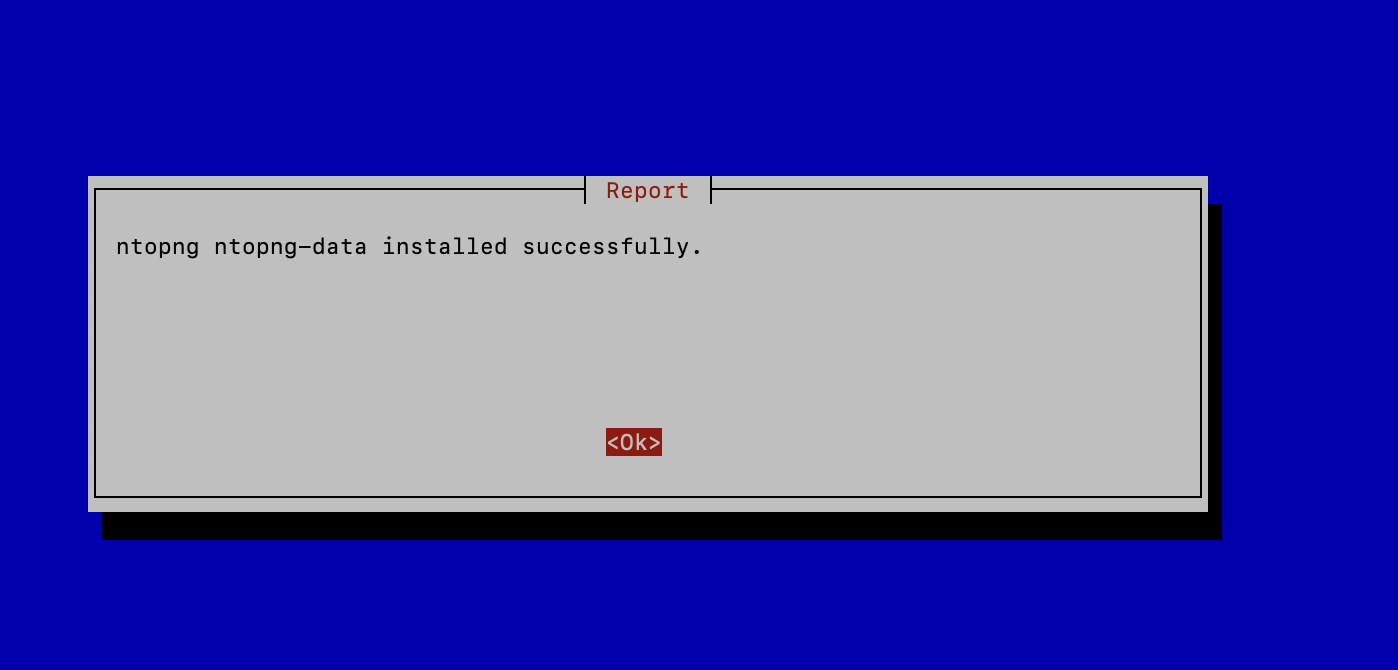
As you can see the installer allows also to install the ClickHouse database that is an optional component for ntopng and nProbe.
Enjoy !